“We run on-prem” is easy to write on a slide. It’s much harder to engineer.
I have spent 18 years building systems at IBM, FIS and Synectiks. When we started NexusAI, we knew the customers we cared about most would not send their data to us. The platform would have to run in their environment, under their rules.
That changes almost every engineering decision. A SaaS product lives in one environment you control. An on-premise AI platform lives in someone else’s.
Five problems nobody puts in the demo
Here is what actually decides whether an AI platform survives its first month inside a customer’s walls.
- Hardware you didn’t choose. The customer has what they have: some CPUs, maybe a few GPUs, maybe none. The platform has to schedule AI work on whatever is there.
- Networks that say no. Many of the environments we care about have strict outbound rules, and some have no internet access at all. Everything the platform needs has to be inside.
- Upgrades without downtime. You need to roll forward safely, and roll back even more safely, while the business keeps running.
- Seeing inside. When something is slow, both their team and ours need to see what is happening, without shipping logs to the outside world.
- The security review. Line by line, by people whose job is to say no.
None of this is glamorous, and none of it makes a good demo. All of it decides whether the platform is still running a month later.
That’s why we treat on-premise as a design constraint from day one, not a deployment option we added later. The most important consequence of that decision is the way the stack is layered.
Six layers, each with one job
NexusAI is built as six layers, with AI operations watching across all of them.
- Deployment. The foundation. Cloud, on-premise, hybrid or edge, all on Kubernetes. NexusAI installs with a Kubernetes operator, on the customer’s own servers or in a sovereign cloud.
- Data plane. Reads structured, unstructured, streaming, graph and vector data where it already lives. Nothing has to be migrated.
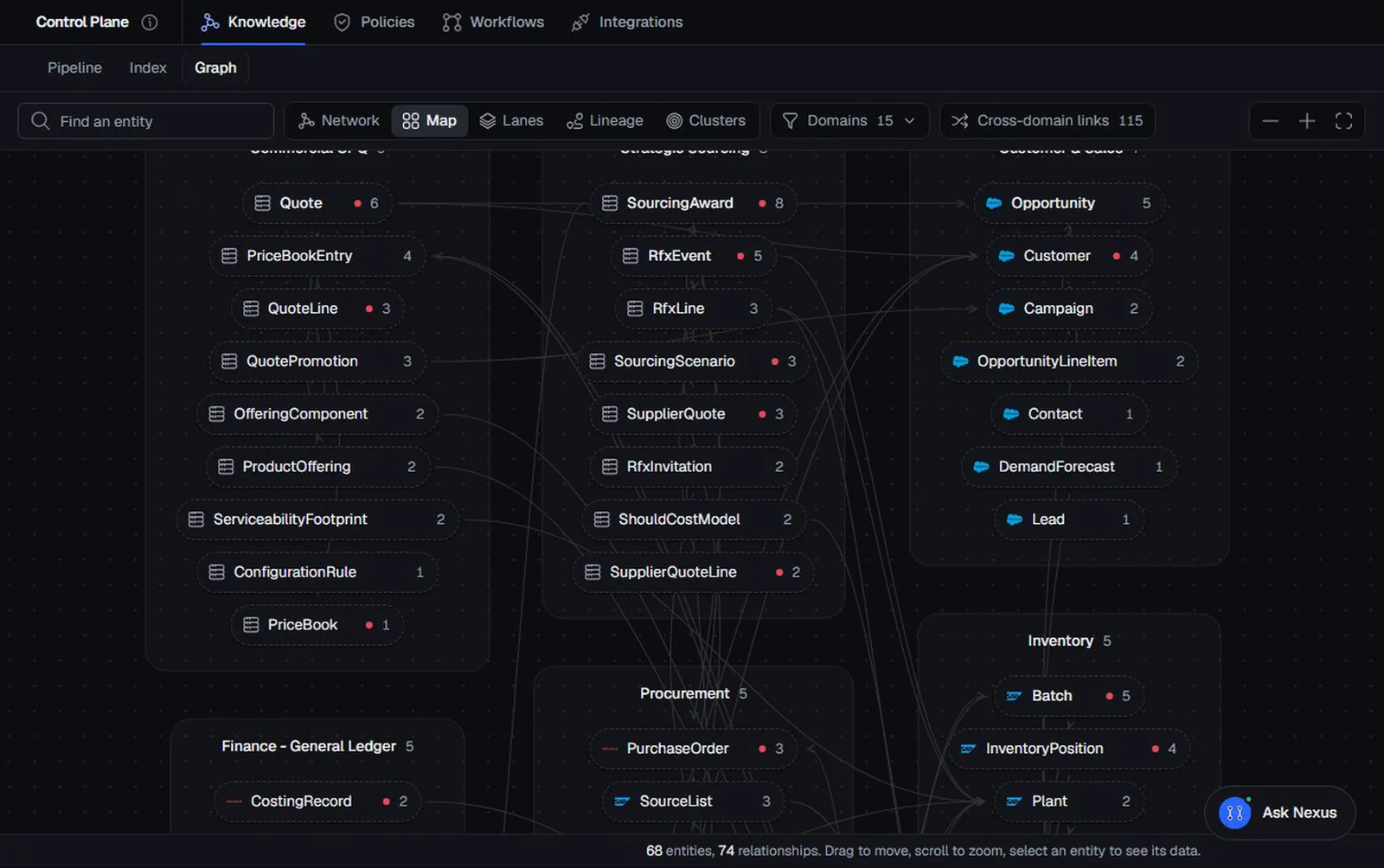
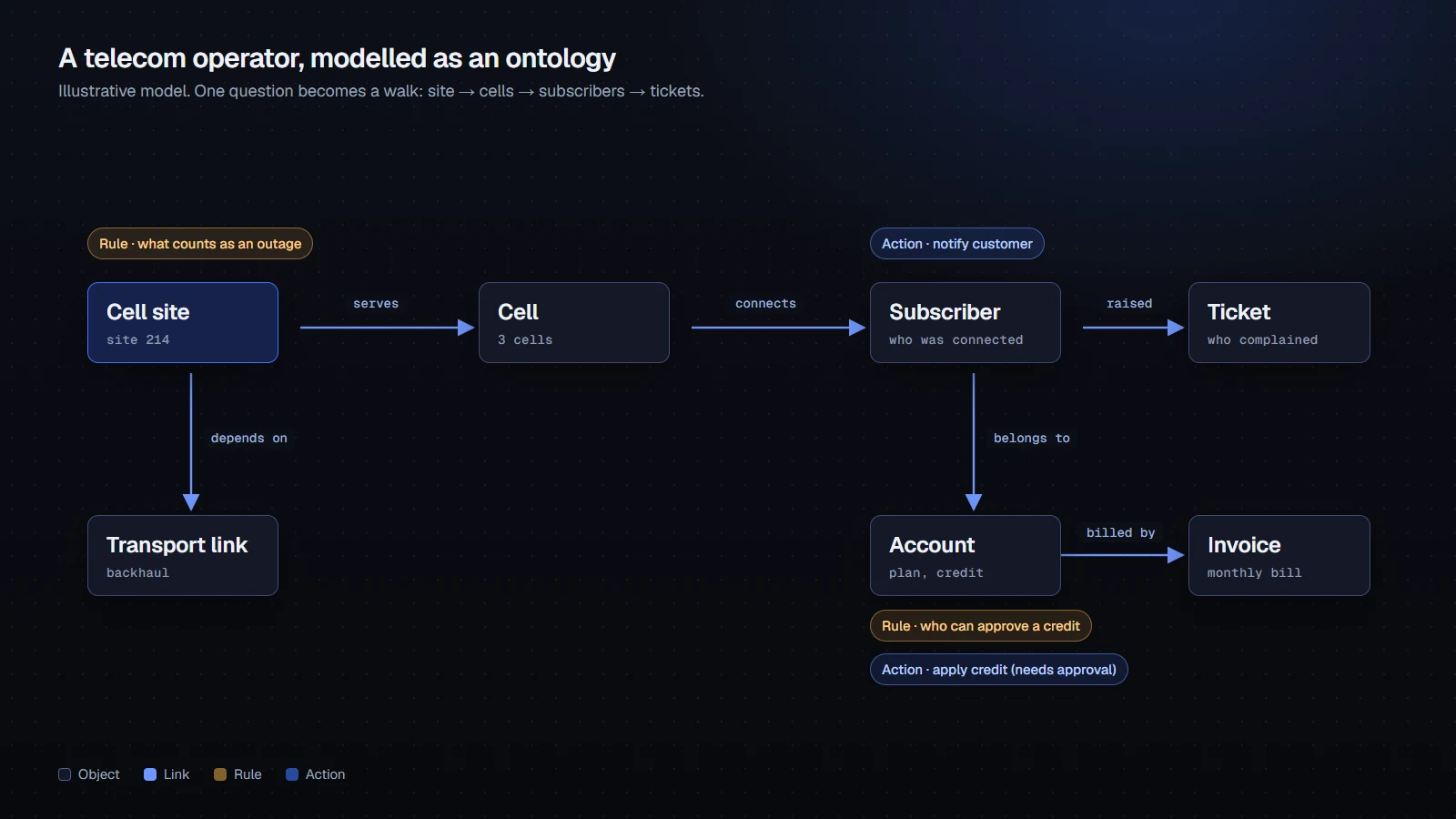
- Control plane. The ontology, schemas, policies, workflows and integration rules. This is where the business is described.
- AI engine. Runs the AI work itself: model execution, vector and graph processing, and distributed compute.
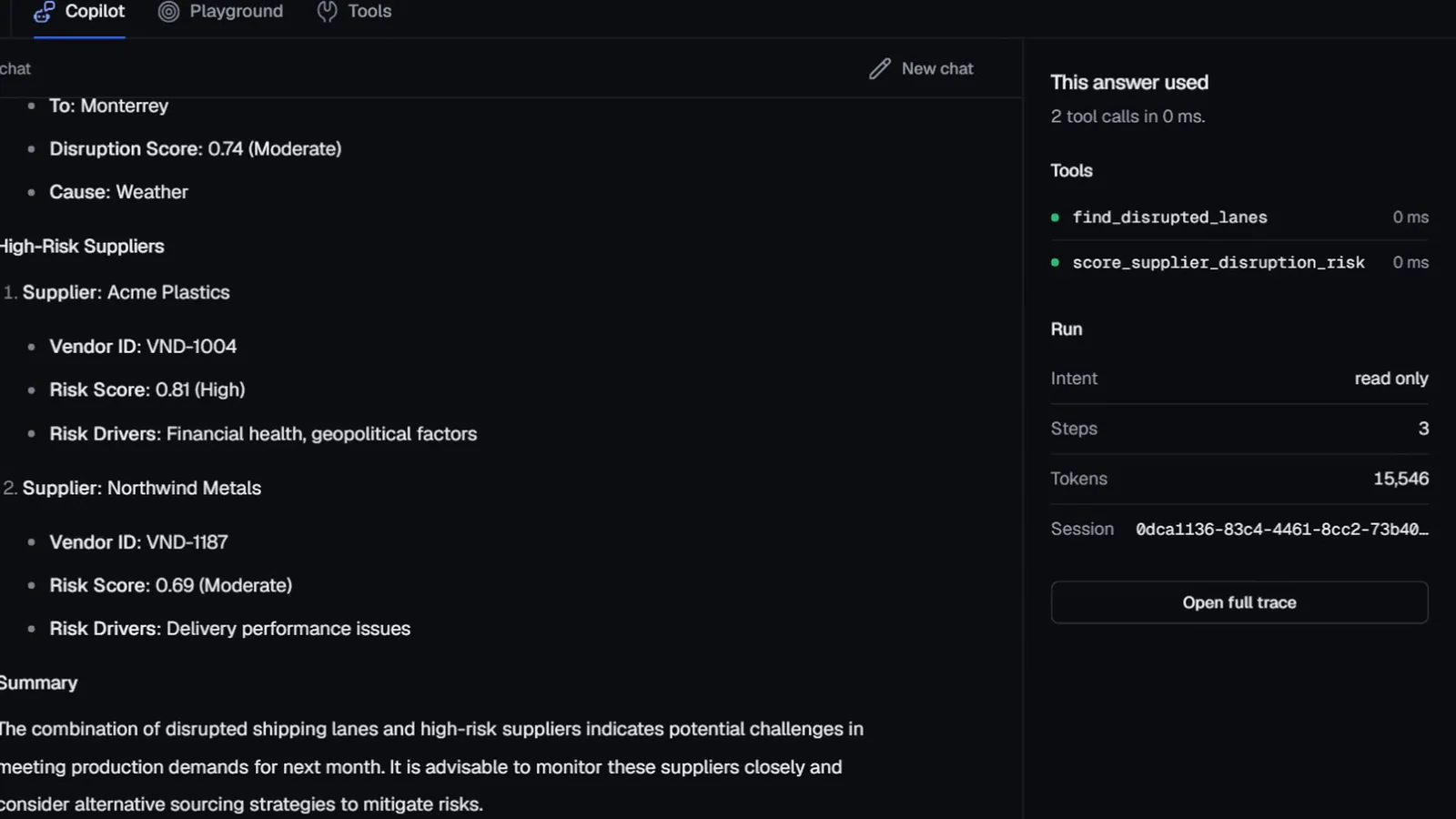
- Reasoning. The copilot, the tools and the planning that turn a question into steps.
- Solutions. Ready-made applications for real business processes, such as order-to-cash or demand forecasting.
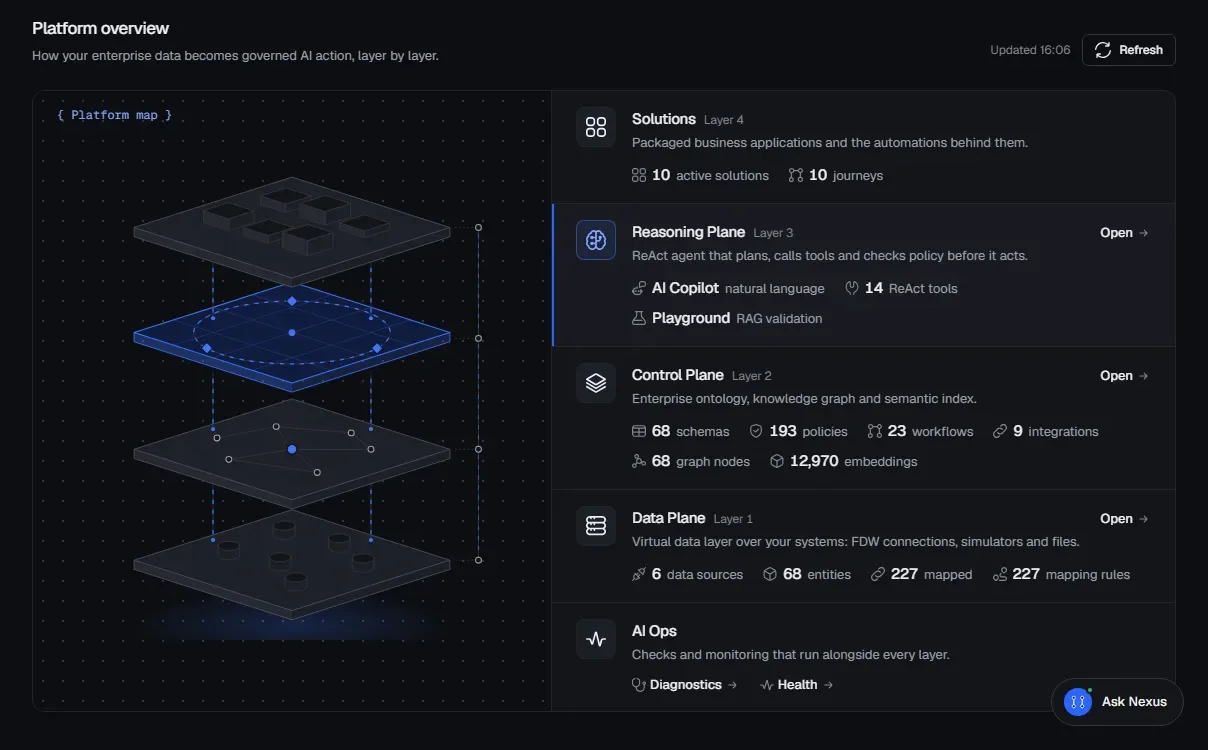
The screen above is the platform overview as a customer’s team sees it. It shows the four planes a user works with, plus AI Ops. Deployment and the AI engine sit underneath and don’t need their own screen most days, which is exactly how it should be.
Why layers survive production
Monoliths are fast to build. Layers are what survive production. Keeping each layer to one job gives us three things we rely on every week.
We can install the whole stack in a customer’s environment. Each layer has clear inputs and outputs, so it can be configured for that environment without touching the others.
We can upgrade one layer without breaking the rest. When a better model comes along, it goes into the AI engine. The ontology, the policies and the solutions don’t change. When a customer adds a new system, it goes into the data plane, and the reasoning layer simply sees new objects.
We can debug a problem where it lives. “The answer is wrong” is not a diagnosis. Is the data missing in the data plane? Is a rule wrong in the control plane? Did the model misread the facts in the reasoning layer? Layers make that question answerable.
Read in place, don’t migrate
One design choice deserves its own section, because it shapes everything else: the data plane reads data where it lives.
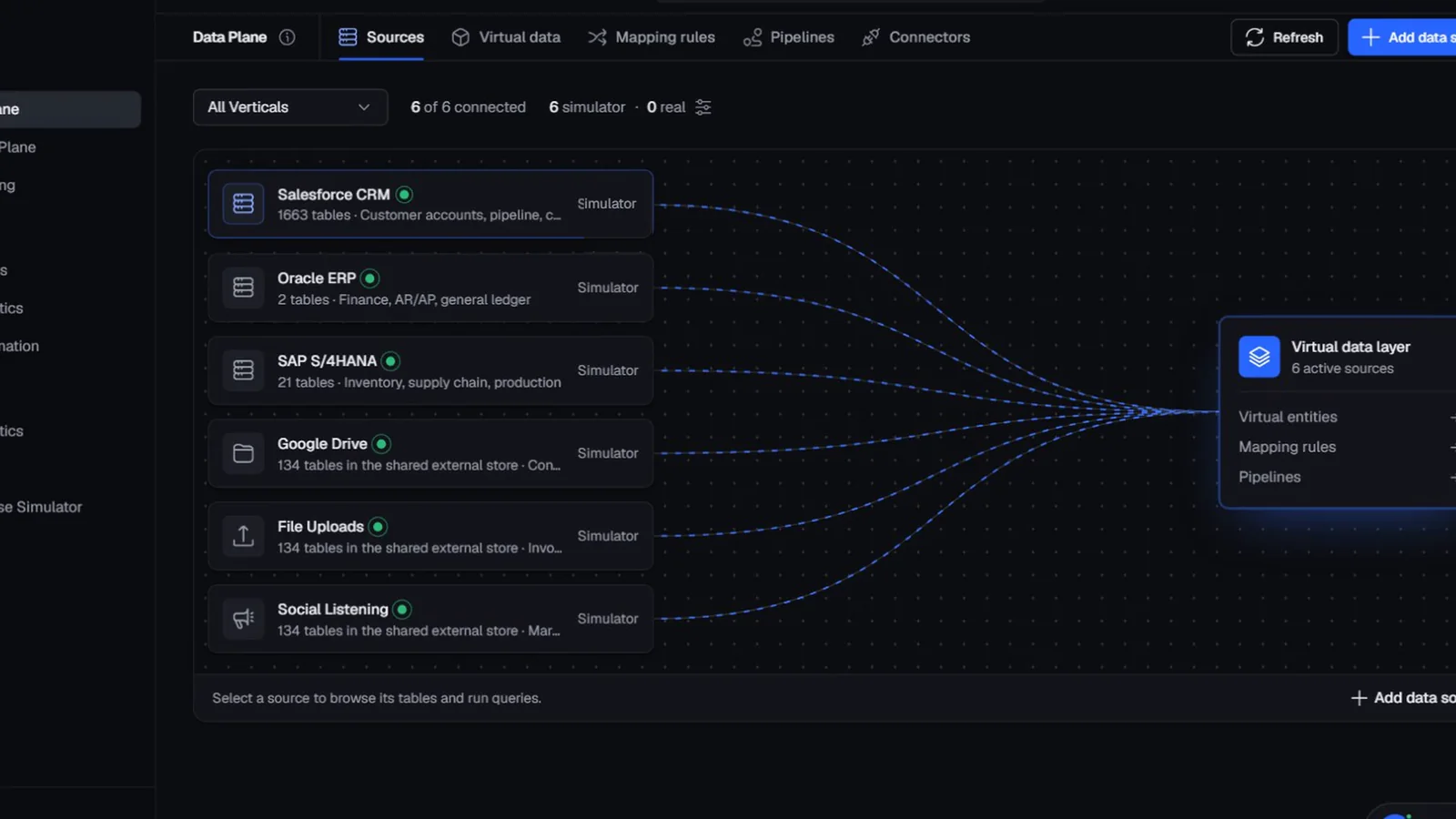
Large data migrations are where enterprise projects go to die. They take months, they need their own security approval, and by the time they finish, the source systems have changed. So the data plane connects to each system in place and presents one virtual layer on top. When the copilot asks for an order, the query goes to the system that holds the order.
For on-premise installs this matters twice over. There’s no second copy of sensitive data to secure, and nothing to keep in sync.
How layering helps the security review
The security review is where many on-premise projects slow down, and layering helps more than people expect.
A reviewer’s questions are usually the same: where does the data go, what does the system call out to, who can see what, and what gets logged? In a monolith, the answers are spread across the whole codebase. In a layered stack, each question has a home.
- Where does the data go? That’s the data plane. It reads in place, so the answer is “it stays in your systems”.
- Who can see and do what? That’s the control plane, where policies, workflows and access rules live in one place, written down.
- What did the AI actually do? That’s AI Ops, where every run and every action is recorded.
A reviewer can go through the stack layer by layer instead of reading everything at once. Reviews still take time, and they should, but they take less time when every question points to one place.
Swapping a model without rebuilding
One more benefit is worth spelling out, because it matters more each year. Models improve quickly. A model that is the right choice today may not be the right choice in a year.
In a layered stack, the model sits in the AI engine. The business model, the rules and the solutions sit above it and don’t depend on any one model. Replacing the model means changing one layer and testing the answers again. It does not mean rewriting the applications that use it.
The AI engine is mostly a queue
When people picture AI, they picture the model. When I picture AI in production, I picture a queue.
Every answer is backed by jobs, queues and workers. In our AI engine, the worker pool on our practice installation runs three replicas by default and autoscales between three and ten. Three engineering choices sit behind that:
- Scale on the queue, not on CPU. CPU says how busy a worker is. The queue says how long a user is waiting, and that’s what matters.
- Show the real state. “Two of three ready” is more useful than a green tick hiding a worker that is still starting.
- Keep the failures. A failed run is evidence. It tells you which job, which stage and when. Deleting failures makes the dashboard prettier and the platform worse.
None of this is visible in a demo of a chat box. All of it decides whether that chat box answers in two seconds or twenty.
If you’re planning on-premise AI
A few questions I’d ask of any platform, including ours:
- What does it need from the internet once installed? The right answer for many regulated environments is “nothing”.
- How does an upgrade work, and how does a rollback work? Ask to see both.
- Can you replace the model without rebuilding the application?
- When something is slow, how do you find out which layer it’s in?
Architecture is the set of decisions you can change later without fear. If you’d like to go deeper, the platform page covers each layer, and our product tour shows them on real screens.
Frequently asked questions
What is the hardest part of running AI on-premise?
Usually not the model. It is everything around it: hardware you didn’t choose, networks with strict or no internet access, upgrades without downtime, seeing what is happening inside, and passing the customer’s security review.
Why build an AI platform in layers?
Because each layer has one job. That lets you install the whole stack in a customer’s environment, upgrade one layer without breaking the rest, and debug a problem in the layer where it lives.
How does NexusAI install in a customer’s environment?
With a Kubernetes operator, on the customer’s own servers or in a sovereign cloud, so the platform runs where the data is.
How do you decide when to add capacity for AI work?
We scale on the queue of waiting jobs rather than on CPU. CPU tells you how busy a worker is. The queue tells you how long a user is waiting.